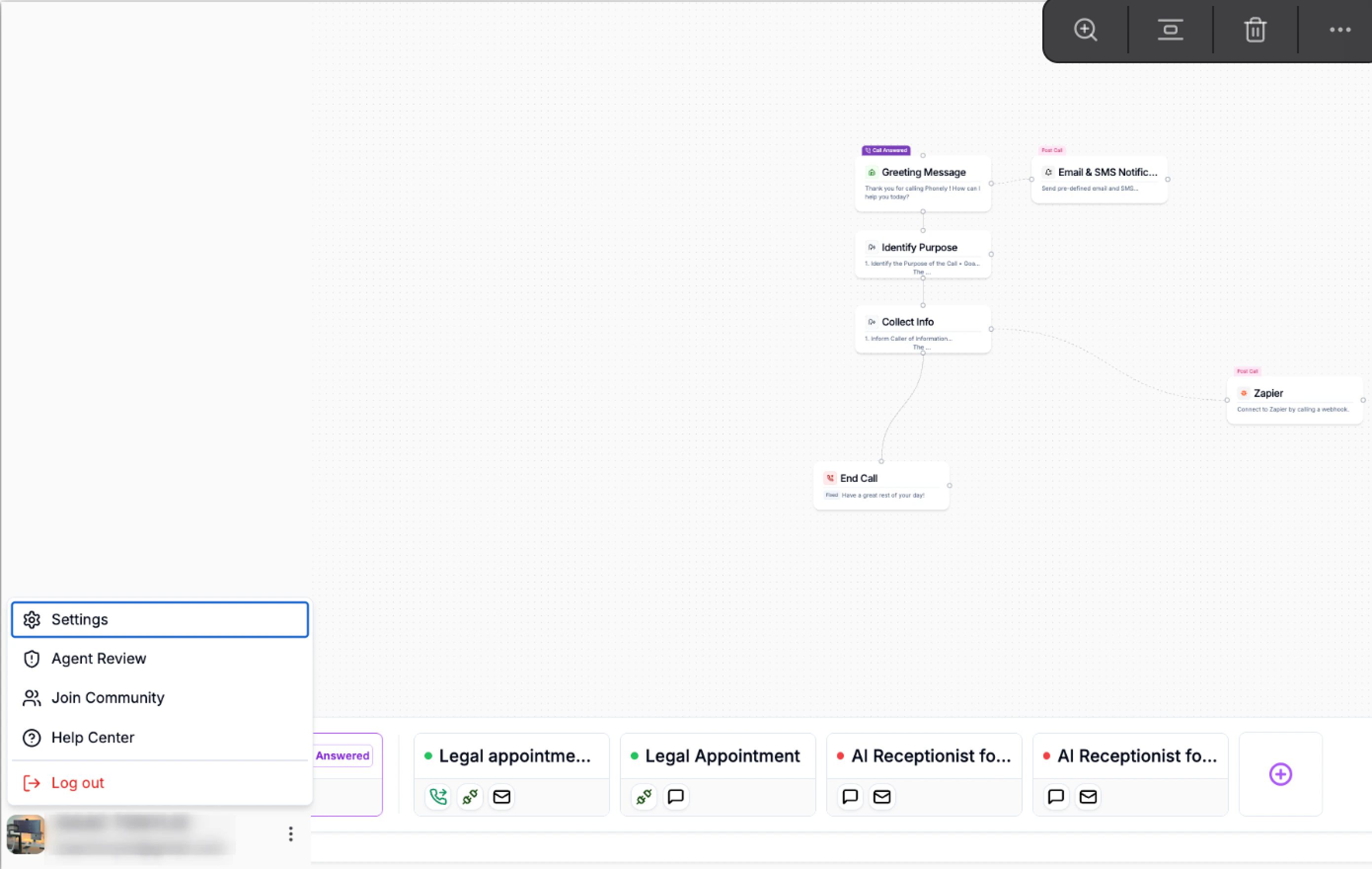
Password
If you ever need to update your password or recover access, Phonely allows you to reset it securely via email.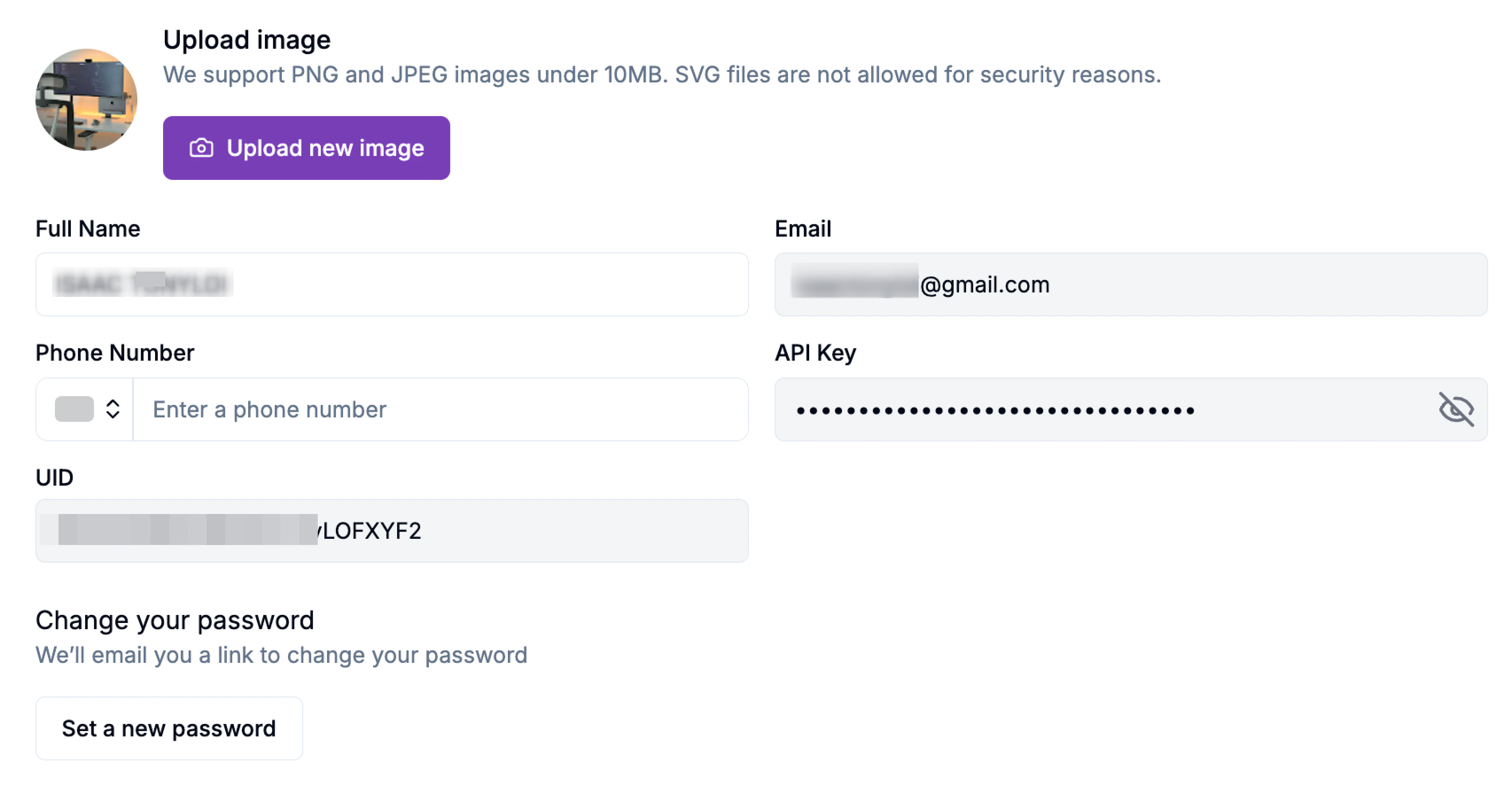
Inviting Team Members
Invite team members to collaborate within your organization. Each member can access shared agents, call flows, analytics, and configurations.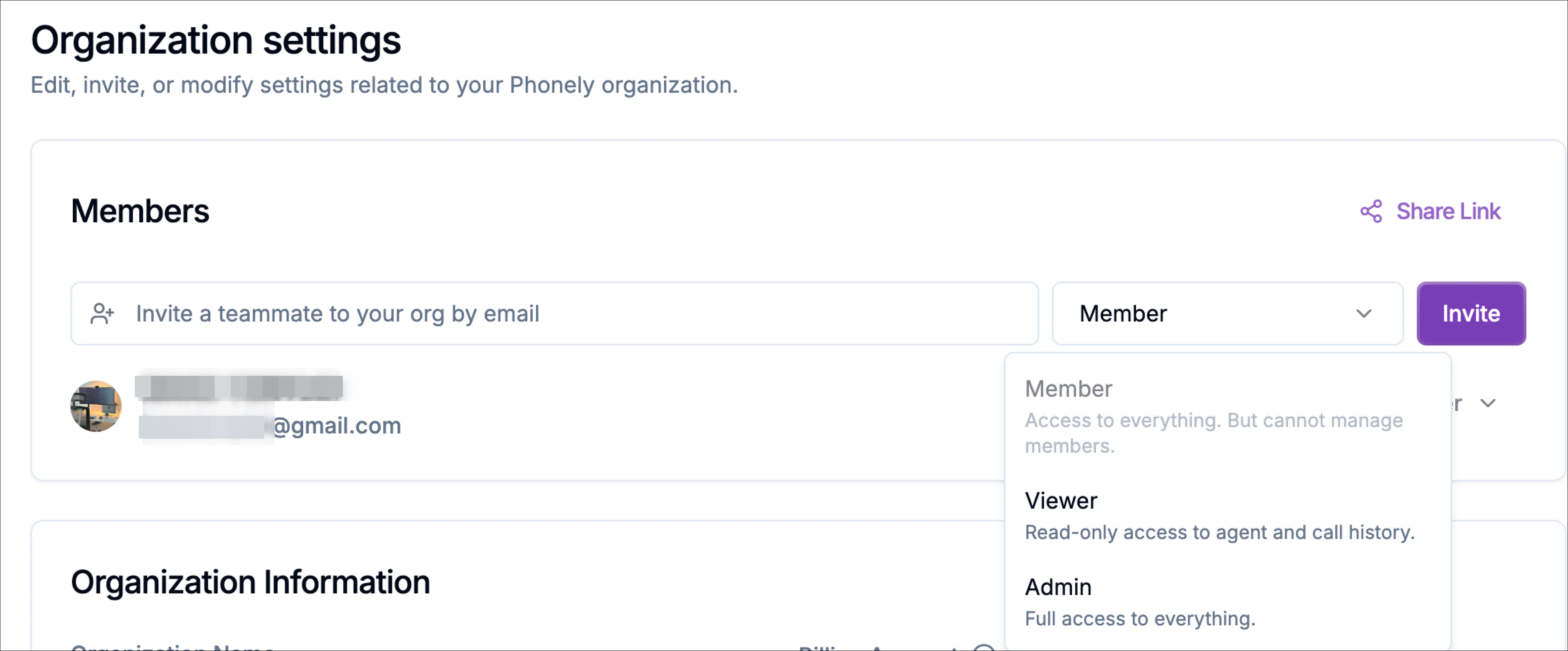
Choose a role.
When inviting a user, you can choose from the following roles:MemberMembers have access to the workspace and can work with agents, flows, call history, and other organization resources, but they cannot manage members.Use this role for teammates who need to build, review, test, or manage work inside the organization without handling user access.ViewerViewers have read-only access to agents and call history. Use this role for users who only need to review information, monitor activity, or inspect call history without making changes.AdminAdmins have full access to everything in the organization. Use this role for users who need to manage workspace settings, resources, and member access.
Updating Email Preferences
Phonely lets you control how often you receive email notifications about activity, reports, and system updates.Choose your preferred notification frequency:
- Daily - Receive a summary of activity every day.
- Weekly - Get one email with key metrics each week.
- Monthly - Receive a high-level monthly performance report.
Creating a New Organization
If you manage multiple teams or projects, you can create separate organizations within your Phonely account.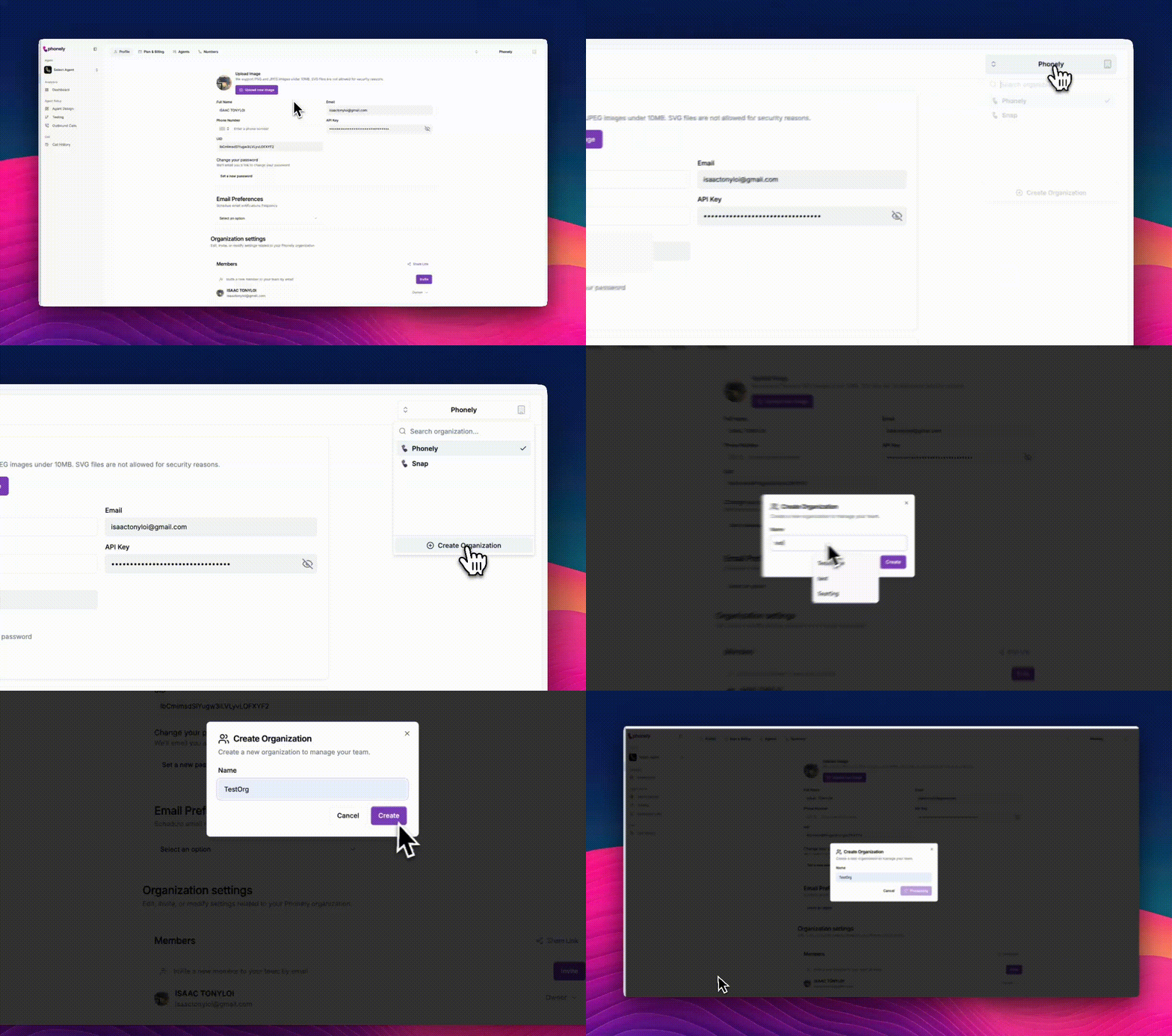
In the top-right corner, open the Organization Switcher button it displays your current organization name.
Managing Organization Information
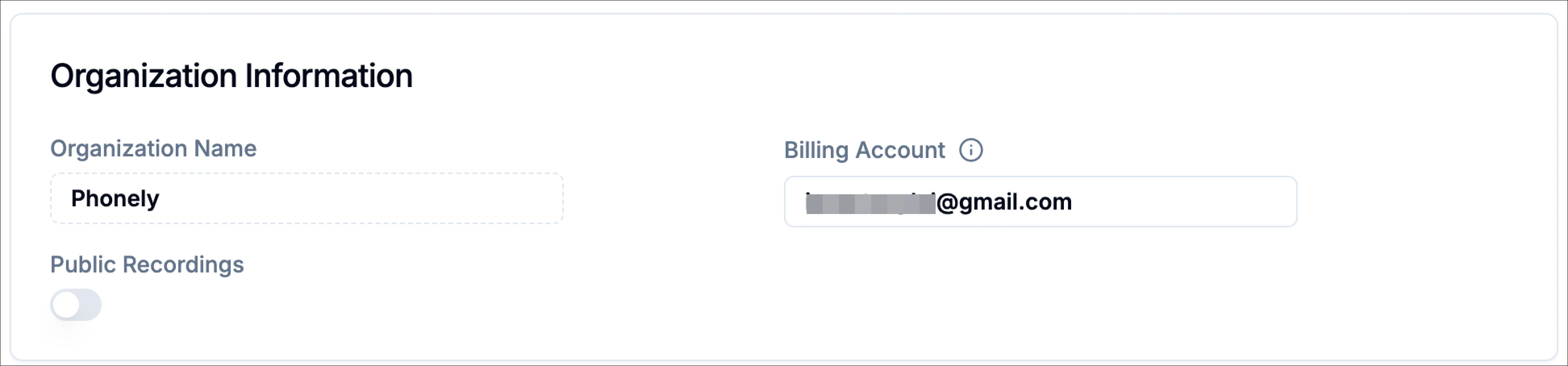
After creating or selecting an organization, you can view and update its settings under the organization information section. From here, you can:- Update your Organization Name: Modify the display name to match your team, brand, or client project.
- Verify or Change your Billing Account: Ensure your plan and payment details align with the correct organization.
- Enable or Disable Public Recordings: Control whether call recordings are publicly accessible for transparency or audit purposes.